Building a website might feel challenging at first, but with the right plan and clear steps, you can create one that looks professional, functions smoothly, and meets your goals. Whether you’re promoting your brand, selling products, or sharing valuable content, learning how to develop a website is an essential skill. At the same time, strong website design ensures your site attracts visitors and keeps them engaged. In this guide, we’ll cover every stage — from planning and design to development, launch, and ongoing maintenance.
1. Why You Need to Know How to Develop a Website
In today’s digital world, your website represents your brand and often creates the first impression for visitors. When you understand how to develop a website, you gain:
- Full control over your online presence instead of depending on generic templates or third-party platforms.
- Flexibility to design and build features that perfectly match your goals and style.
- Confidence to troubleshoot, update, and grow your site as your needs evolve.
- Knowledge of SEO, performance, and user experience that helps your business succeed online.
Even if you choose to work with professional developers later, understanding the process allows you to collaborate effectively and make informed decisions. Learn more about WordPress Website Design.
2. Planning & Strategy: The Foundation
Before you start building, it’s important to create a clear roadmap. In the planning stage of how to develop a website, focus on these key steps:
- Set clear goals and purpose: Decide whether your website will educate, sell, generate leads, or entertain visitors.
- Understand your audience: Research who your users are—their interests, needs, and online behavior.
- Outline your site structure and content: Create a sitemap that includes essential pages like Home, About, Services, Blog, and Contact.
- Determine features and functionality: Identify what your site needs—such as forms, e-commerce tools, logins, or galleries.
- Select the right platform and technology: Choose between WordPress, a website builder, or a custom-built solution based on your needs.
- Integrate SEO from the start: Include keyword research, optimized URLs, and metadata to boost search visibility early on.
3. Essentials of Website Designing
Website designing goes far beyond attractive visuals — it focuses on creating smooth, meaningful user experiences. The main elements include:
- User Interface (UI) design: Define your site’s overall look through layout, colors, typography, and buttons.
- User Experience (UX) design: Ensure easy navigation, logical flow, and a satisfying journey for every visitor.
III. Responsive and mobile-first design: Make sure your website functions perfectly on smartphones, tablets, and desktops.
- Brand consistency: Maintain uniform logos, color schemes, images, and tone to strengthen brand identity.
- Accessibility: Design with inclusivity in mind by adding alt text, proper contrast, and keyboard-friendly navigation.
- Visual hierarchy and readability: Use clear spacing, headings, and visuals to help users focus on key information.
Performance optimization: Keep pages fast by compressing images, minimizing code, and enabling caching.
4. Development: From Mockups to Code
Once your design is finalized, the next step in how to develop a website is turning that design into a fully functional site. The development process involves several important stages:
- Set up the development environment: Prepare your local server, version control (like Git), and a staging area for testing.
- Convert design into code: Use HTML and CSS to structure and style the website according to your layout.
- Add interactivity with JavaScript: Include dynamic elements like sliders, dropdowns, and animations to make the site engaging.
- Integrate a CMS or backend system: Connect platforms such as WordPress, Django, or custom frameworks to manage content easily.
- Handle databases and data: Set up systems for storing dynamic content, user information, or posts.
- Install features and plugins: Add essential functions like contact forms, search bars, or e-commerce capabilities.
- Optimize for SEO: Implement clean URLs, metadata, schema markup, and XML sitemaps for better visibility in search results.
- Ensure security: Use HTTPS, strong credentials, regular backups, and spam protection to keep your site safe.
Plan, Design, Code, and Launch
5. Testing, Launch & Deployment
Before you announce your site to the world, go through this critical phase:
- Functional testing: Test links, forms, user flows, login, payment, etc.
- Cross-browser & device testing: Ensure compatibility across Chrome, Firefox, Safari, Edge, and devices.
- Performance optimization: Measure page speed, optimize images, minify code, use caching, and lazy loading.
- SEO checks: Confirm title tags, meta descriptions, alt text, canonical tags, XML sitemap.
- Security review: Check SSL, firewall settings, input sanitization, and secure server configs.
- Backup & rollback plan: In case something breaks during launch, you have a fallback.
- Deployment: Push from staging to live server, test again post-launch, monitor logs and metrics.
A successful launch is careful, tested, and monitored.
6. Post-Launch Maintenance & Optimization
After your website goes live, continuous maintenance is essential to keep it running smoothly. Here’s how to ensure consistent performance:
- Content updates: Regularly add new blog posts, pages, or news to keep your site fresh and engaging.
- Performance monitoring: Track site speed and user behavior using tools like Google Analytics and PageSpeed Insights.
- SEO improvements: Update keywords, refresh older pages, and strengthen internal linking to maintain search rankings.
- Security maintenance: Keep your CMS, plugins, and server updated to protect your site from vulnerabilities.
- User feedback: Collect feedback to enhance design, usability, and user experience.
- A/B testing: Experiment with headlines, layouts, and call-to-action buttons to find what works best.
- Scalability planning: As your traffic increases, upgrade hosting and optimize databases for better performance.
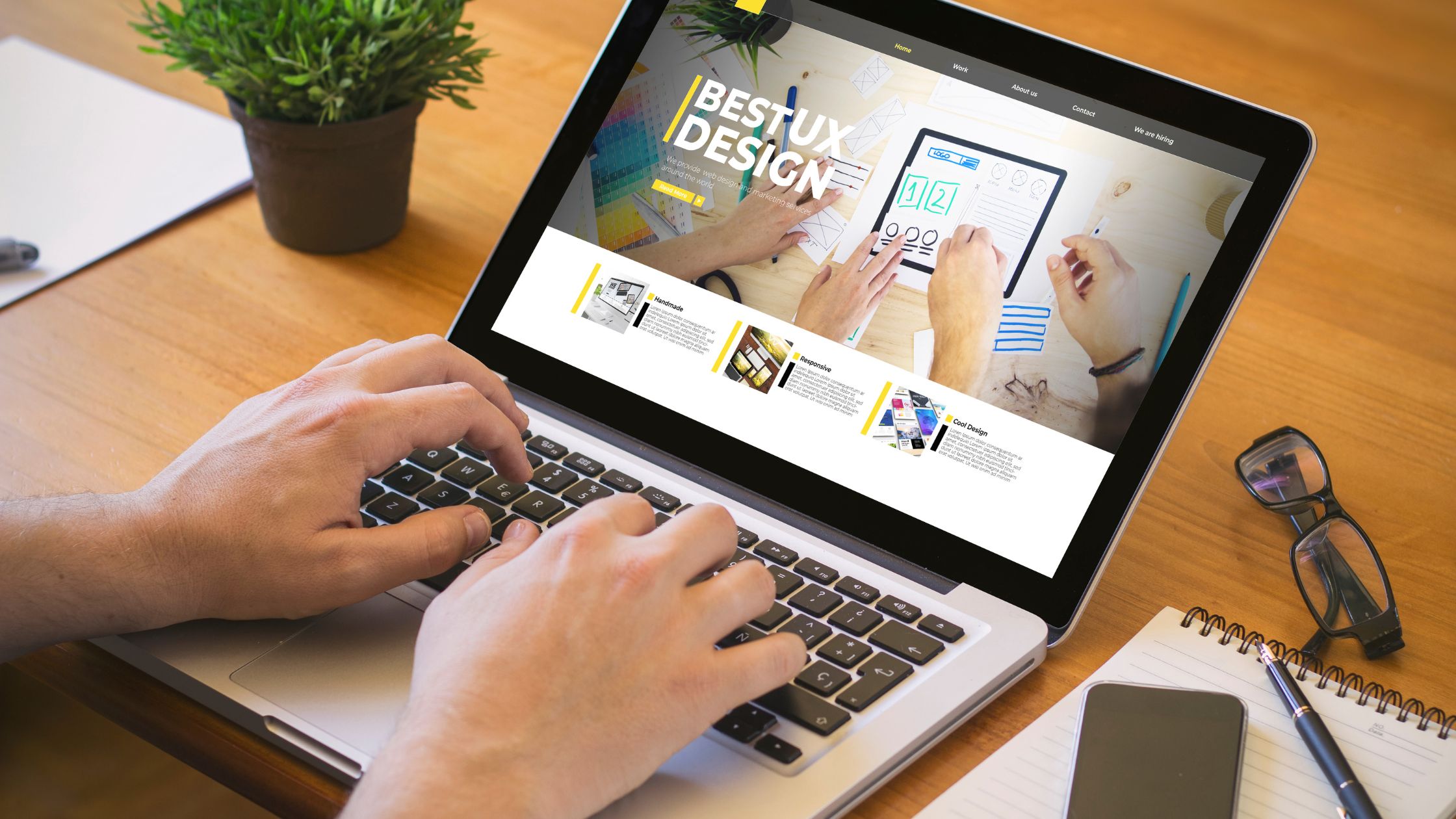
SEO-friendly Site That Attracts and Converts Visitors
7. Conclusion
In short, mastering how to develop a website means combining smart planning, creative website design, and ongoing optimization. A well-built site should look great, run smoothly, and support long-term growth.
Great North Digital delivers responsive, high-performing websites tailored to your brand, blending design, SEO, and digital strategy for measurable results. With the right approach, you can create a website that attracts traffic, engages users, and strengthens your online presence.